Archiv für die Kategorie TOI
As a DBA, what are you doing?
That is a question, particular interesting for Oracle University: What concrete tasks do DBAs need to perform during their day-to-day work and how important resp. critical are these tasks compared to each other? We want to find out that in order to develop courses that address the business needs of our customers, focusing on the relevant things that a todays DBA has to know. Instead of just assuming – based on our own expertise – what that might be, OU decided to develop a survey for DBAs, to send it to hundred thousands of them and just ask them.
Now what questions should this survey contain? Enter DBA Job Task Analysis: We gather a team of 20+ people across the globe from various Lines of Business (also Partners & Customers) to develop & negotiate the right questions to ask in that survey.
 Oracle departments involved in that Analysis were: OU Program Management, OU Curriculum Development, OU Delivery, OU Sales, Oracle Certification, Oracle Global IT, Oracle Support, Oracle Documentation and Oracle OnDemand. From OU Delivery, four Instructors – for the clusters America, APAC, Japan and EMEA – took part. I was glad to represent the EMEA cluster. Again this event demonstrated to me what a great company Oracle corp. is to work for: Not only am I working at the leading edge of (Database-) Technology but also together with very bright and open-minded people who create the most comfortable and pleasuring atmosphere 🙂

Even John Hall (SVP Oracle University) and Andrew Mendelsohn (SVP Database Server Technologies) took the time to share some insights with us!
During this three-days Event, we teamed up in different department combinations and developed questions for the key areas
DBA Core Essentials
Database Storage
High Availability
Scalability
Networking
Security
Very Large Database Administration
Distributed Databases
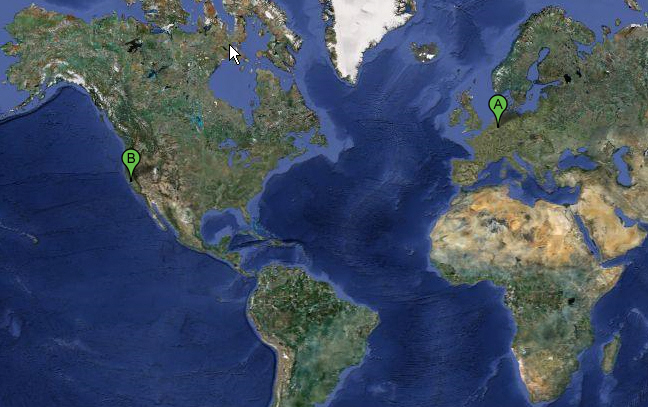
I can tell you that I now have an impression about how UN resolutions are being crafted, since we sometimes took very long to negotiate about a single term inside one question 🙂 However, regarding the fact that 20+ people from different occupations needed to agree about each question & definition, we have been quite efficient, I think. The team members came together from all over the world; probably the longest travel was for those from Europe (like me) and for Frank from Australia especially. Here’s my distance, that took me an 11 hours flight:
The team members from abroad resided in a nice Hotel, very close to the HQ:
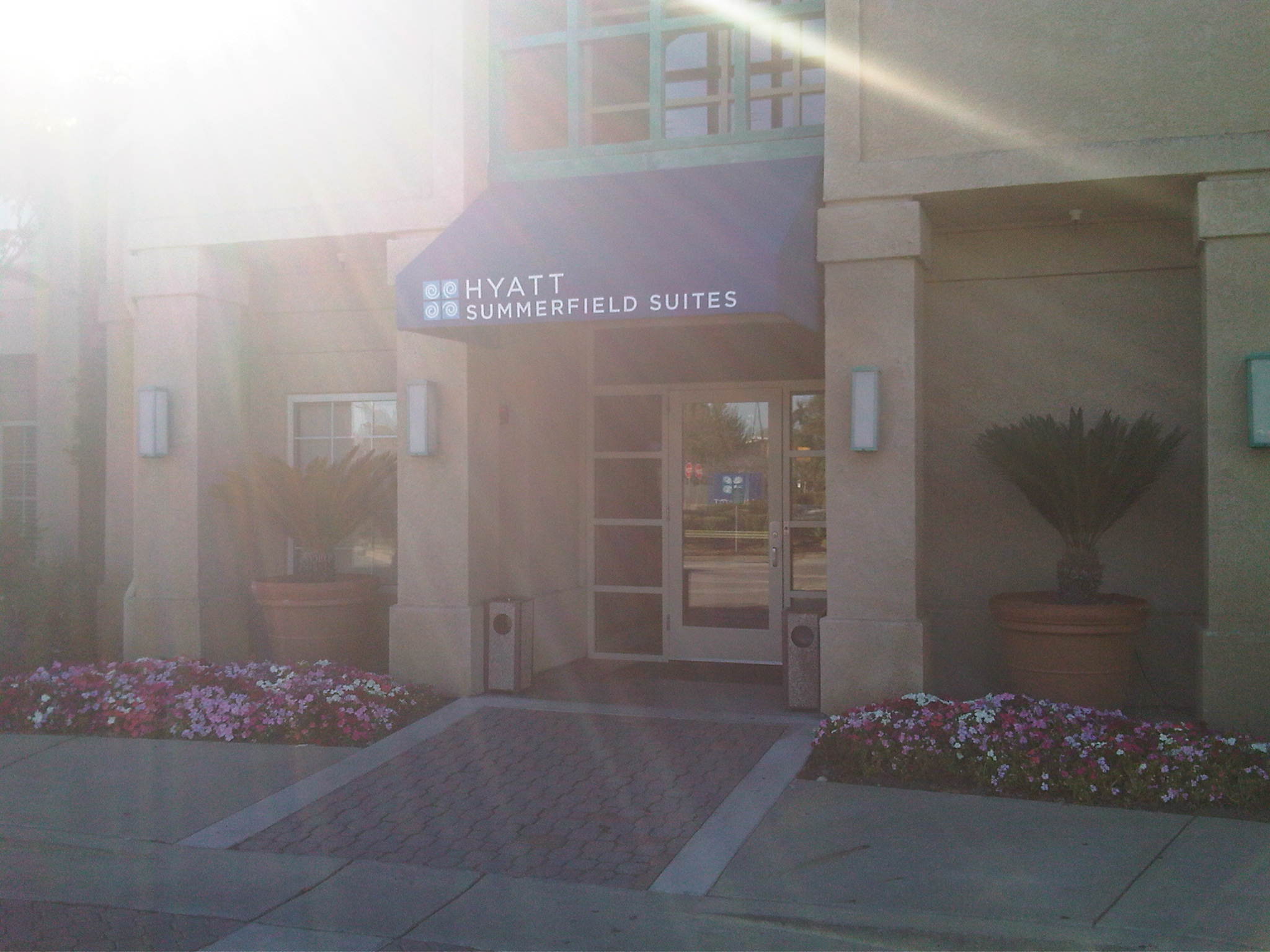 You can see original California Sun Rays on the picture. Unfortunately, it was not that sunny during our week, rather cloudy – but that was just to remind us of the leading IT buzz word of our times, probably, and chances are that it will be part of the name of the next Oracle Database version 🙂
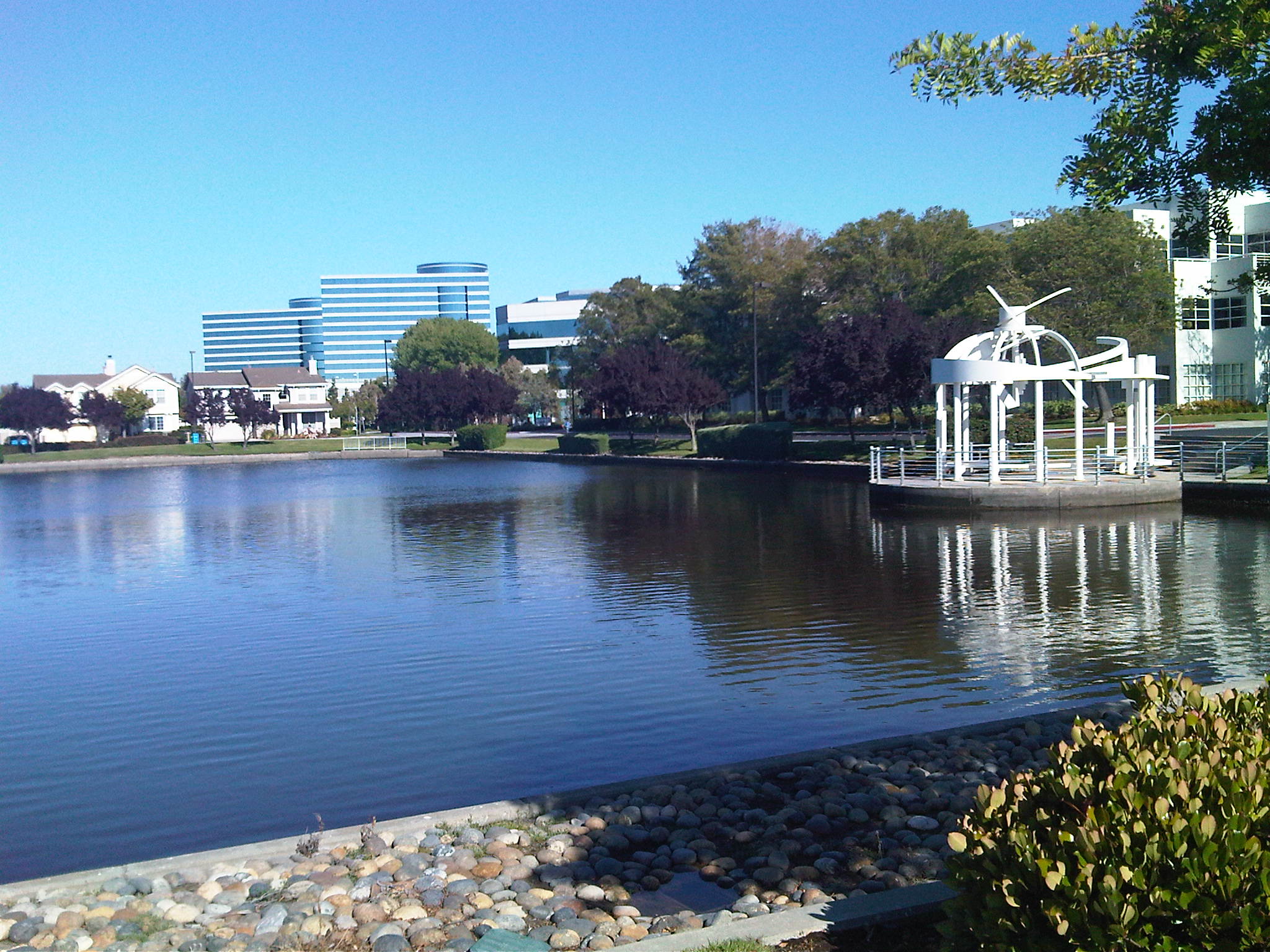
The hotel was so close to the HQ that we could even see the Oracle towers from there:
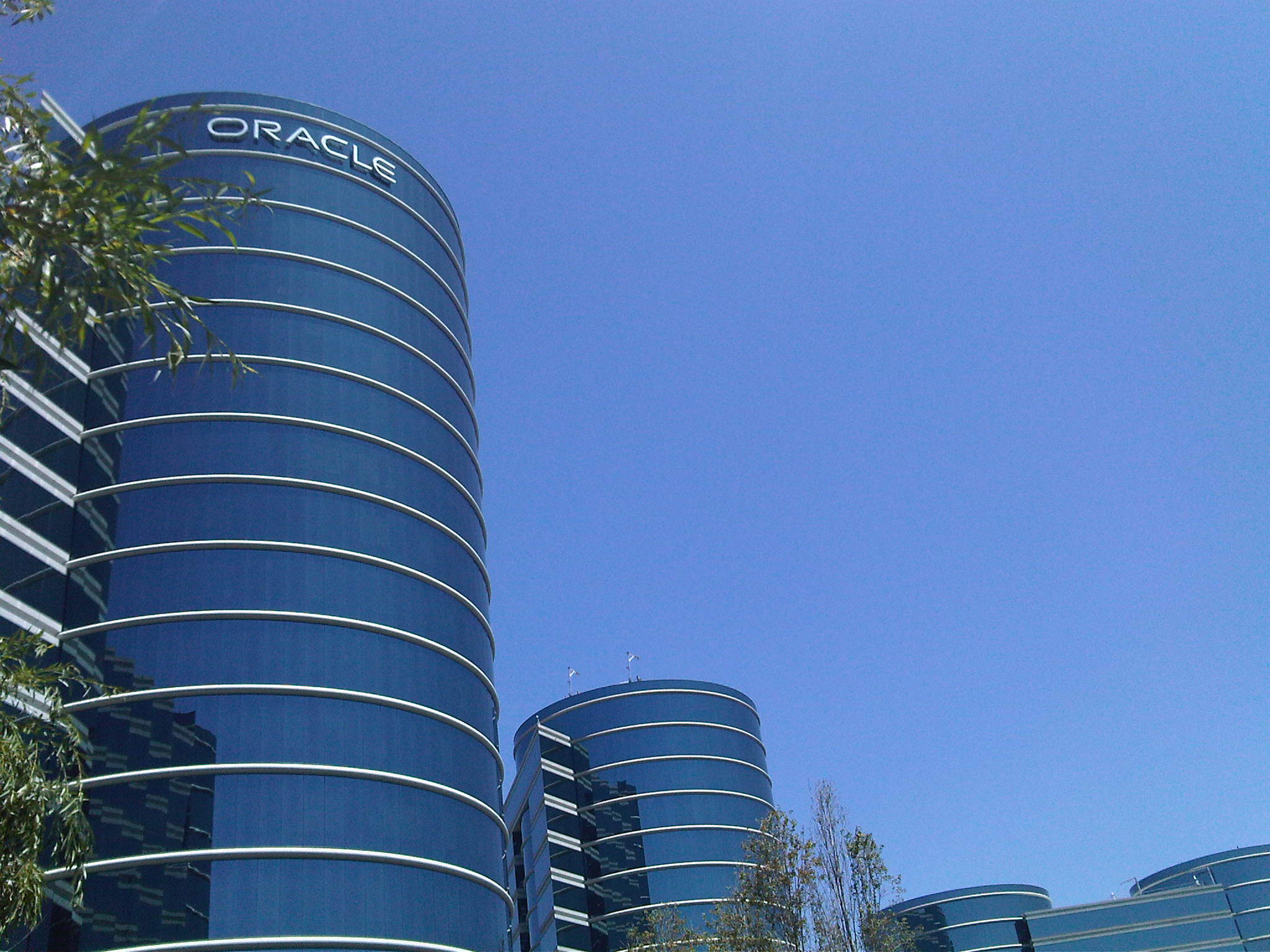
 These towers are really impressive when actually seen, much more than only through posters & pictures:
 With my dear colleagues and friends Frank (Australia) and Arnoud (The Netherlands), I went for some sight-seeing into the City of San Francisco and also took some pictures there.
One of the famous Cable Cars:
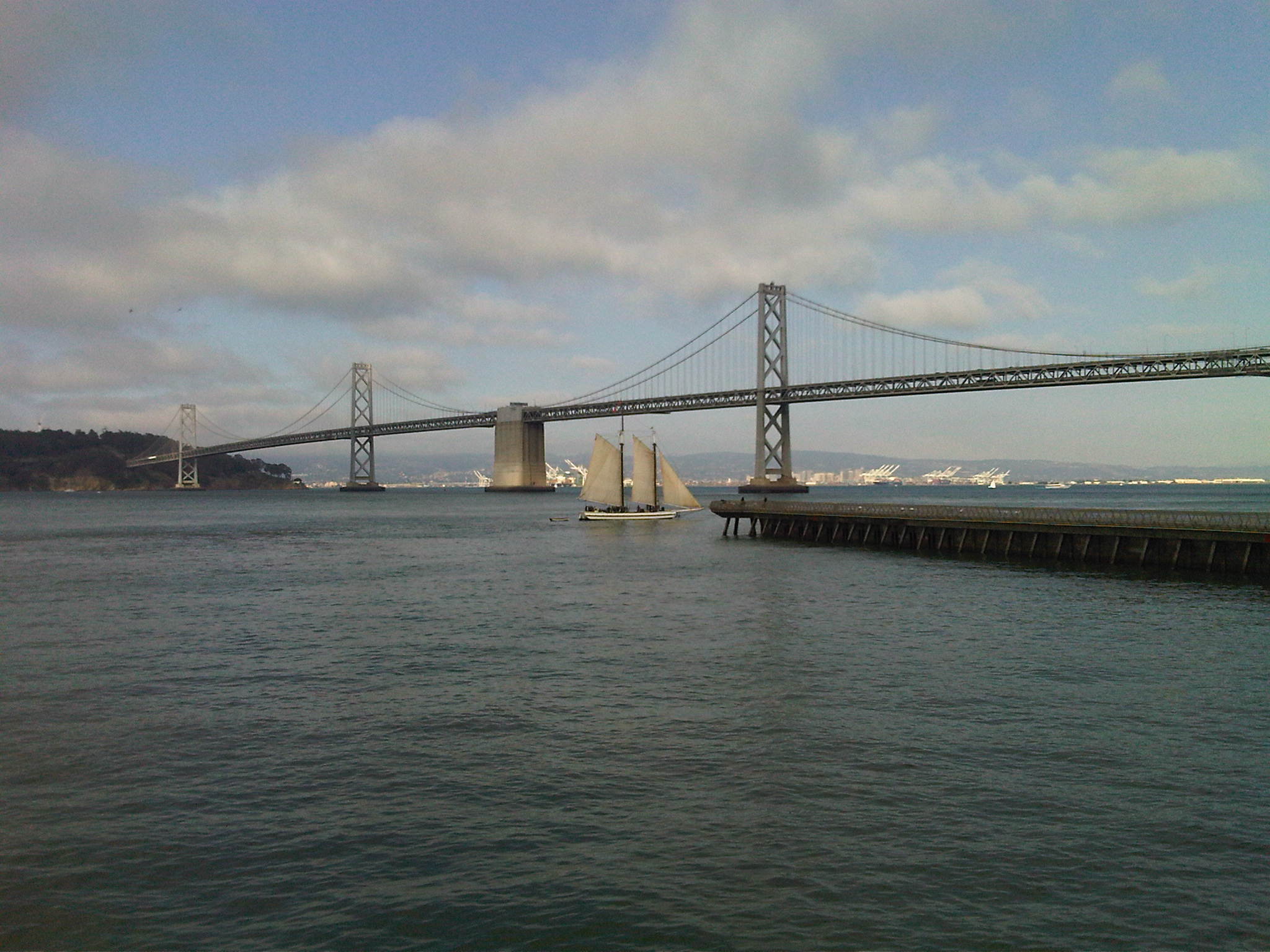
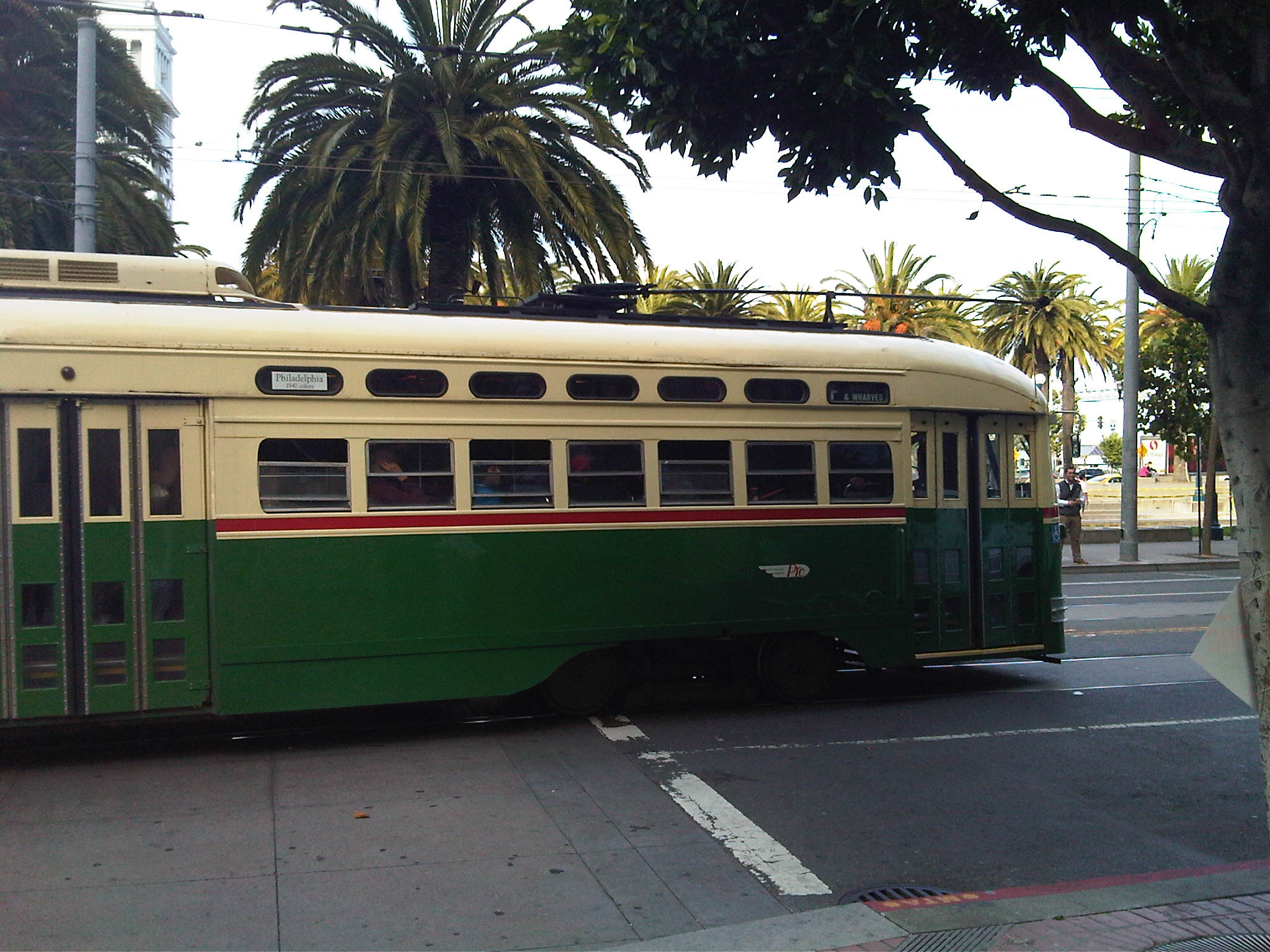 I thought this one below is the famous Golden Gate, but it is actually the Bay Bridge, as Frank just told me – although the picture was taken from the ‚Golden Gate Ferry Terminal‘ 🙂
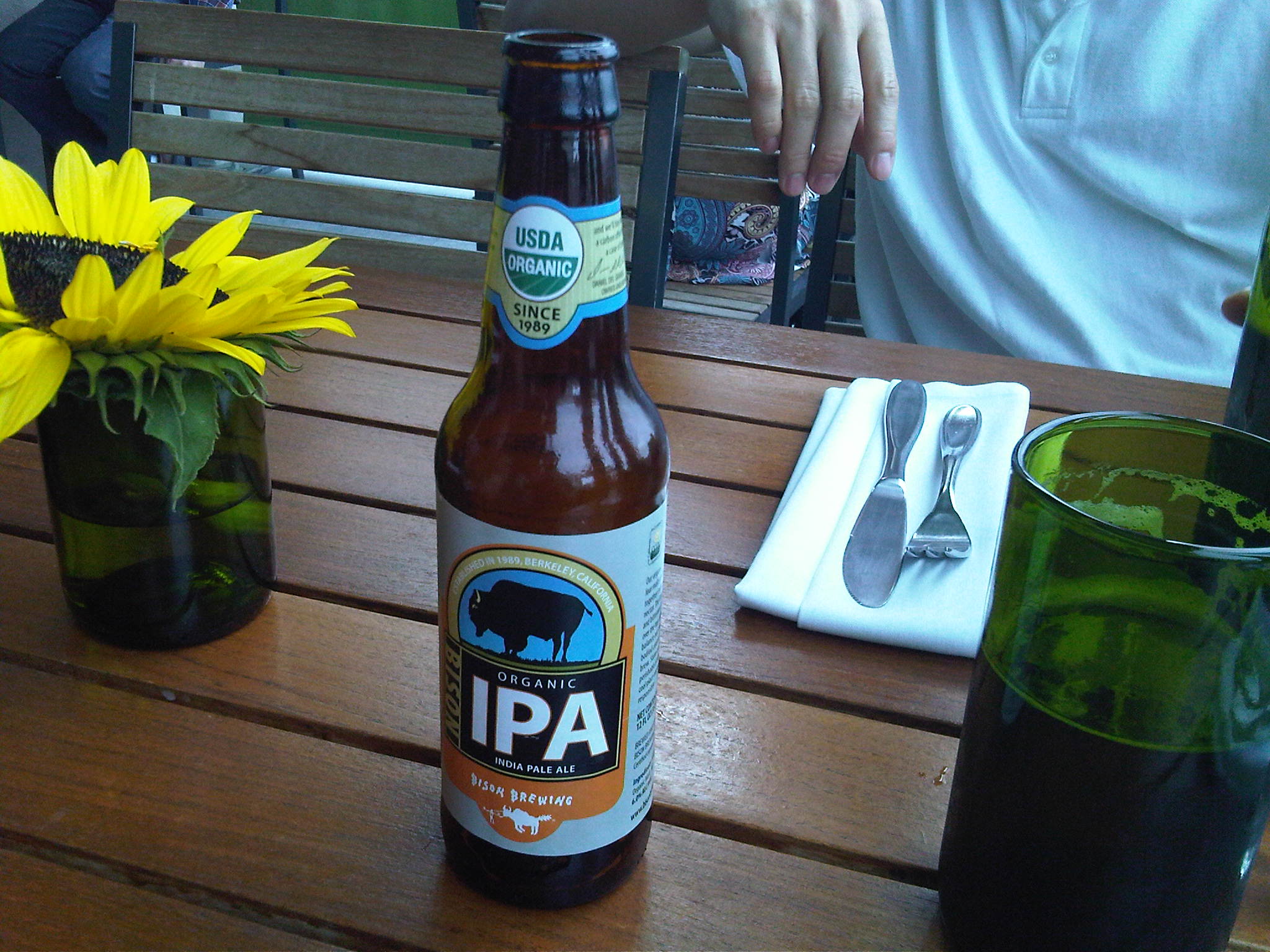
 We entered an Organic Restaurant, where I took a plant burger and an Organic Beer – if you are from Germany, that sounds funny: What else could a beer be but organic? At least in our country, this is a must. We have even a special law to guarantee it, the „Reinheitsgebot“.
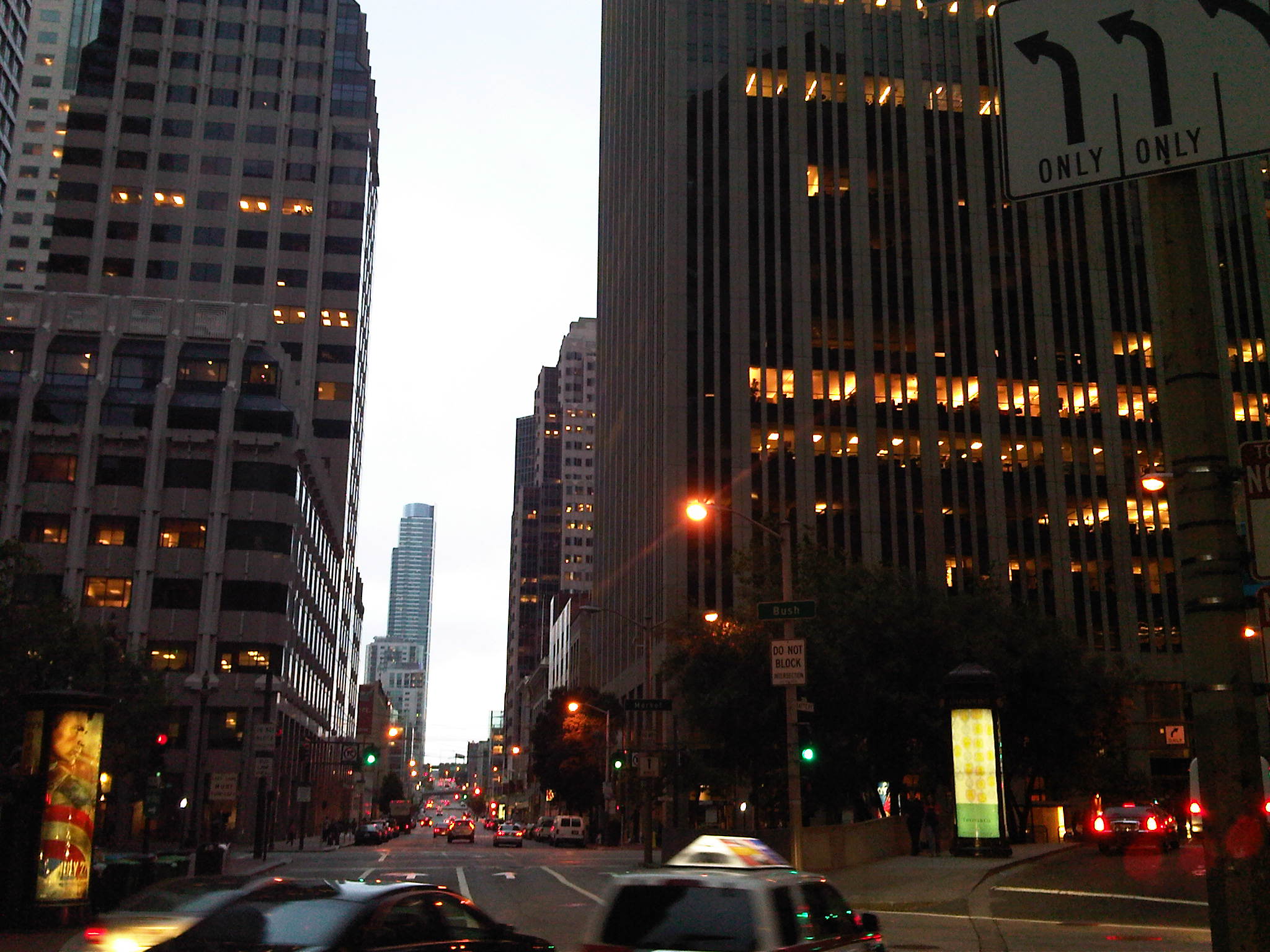
 We strolled around until dusk, when I took this one that reminds me to the famous TV series with Karl Malden & Michael Douglas. Do you recall it? Well probably not if you are young 🙂
 All in all, it was a great trip and a very productive business event too, I think.
Let me close this posting with a little appeal to you:
It is not unlikely that you may receive the DBA Job Task survey from OU some when later this year, because plans are to send it out to about 300 thousand people. Please consider the effort we took to craft this survey in order to come up with the best possible course material for the new Database curriculum, based on your answers! Please take the time to answer it; it will help us to continue to deliver the premium quality that you expect from Oracle University.
Replacing a damaged Hard Disk on Exadata Cells
A task that you will most likely encounter during the administration of Exadata is the replacement of a damaged Hard Disk on the storage servers. Fortunately, this is quite easy, because almost everything is done by the system itself 🙂
Especially, the original Celldisks and Griddisks are rebuilt automatically on the Cell Layer. On the Database Layer, the related ASM disks also get rebuilt automatically, while due to the (at least) normal redundancy, the availability of the Database(s), relying on the diskgroups is not affected. The task is briefly described in this MOS Note.
As soon as the Hard Disk failure is noticed by the MS (Management Server) background process on the Cell, it will raise an alert that will also be published to Grid Control, if configured. Immediately, due to Pro-Active Disk Quarantine, the ASM-, Grid- and Celldisks get dropped. ASM rebalancing is triggered. You as the responsible Admin notice the alert and order a replacement Disk resp. use a Spare Disk to plug it into the Cell after you plugged out the damaged one. The Cell can stay online, because the Hard Disks are hot-pluggable.
No further administrative work to be done, typically. Easy, isn’t it? Mr. Sengonul from Turkcell (leading global system provider for mobile communications in Turkey, one of our Customer Exadata references) has published the Logfiles from such an incident with this posting. Thank you for that and also for your fine presentation about the Exadata Migration!
Important Statistics & Wait Events on Exadata

With this posting, I’d like to highlight the most important Statistics & Wait Events on Exadata that a DBA needs to be familiar with in my view. We start with Statistics, retrievable from v$sysstat, for example. For Exadata, we have introduced 43 new Statistics, that start all with ‚cell%‘:
SQL> select name from v$statname where name like 'cell%';

NAME
----------------------------------------------------------------
cell physical IO interconnect bytes
cell physical IO bytes saved during optimized file creation
cell physical IO bytes saved during optimized RMAN file restore
cell physical IO bytes eligible for predicate offload
cell physical IO bytes saved by storage index
cell smart IO session cache lookups
cell smart IO session cache hits
cell smart IO session cache soft misses
cell smart IO session cache hard misses
cell smart IO session cache hwm
cell num smart IO sessions in rdbms block IO due to user
cell num smart IO sessions in rdbms block IO due to no cell mem
cell num smart IO sessions in rdbms block IO due to big payload
cell num smart IO sessions using passthru mode due to user
cell num smart IO sessions using passthru mode due to cellsrv
cell num smart IO sessions using passthru mode due to timezone
cell num smart file creation sessions using rdbms block IO mode
cell physical IO interconnect bytes returned by smart scan
cell num fast response sessions
cell num fast response sessions continuing to smart scan
cell smart IO allocated memory bytes
cell smart IO memory bytes hwm
cell num active smart IO sessions
cell smart IO sessions hwm
cell scans
cell blocks processed by cache layer
cell blocks processed by txn layer
cell blocks processed by data layer
cell blocks processed by index layer
cell commit cache queries
cell transactions found in commit cache
cell blocks helped by commit cache
cell blocks helped by minscn optimization
cell simulated physical IO bytes eligible for predicate offload
cell simulated physical IO bytes returned by predicate offload
cell CUs sent uncompressed
cell CUs sent compressed
cell CUs sent head piece
cell CUs processed for uncompressed
cell CUs processed for compressed
cell IO uncompressed bytes
cell index scans
cell flash cache read hits

43 rows selected.
The in my opinion most important Statistics are marked in red. Now to their meaning:
SQL> connect adam/adam
Connected.
SQL> select * from sales;
* Output suppressed, because I don't want millions of rows in the posting*
select name,value/1024/1024 as mb from v$statname
natural join v$mystat where name in
(
'physical read total bytes',
'cell physical IO interconnect bytes',
'cell physical IO interconnect bytes returned by smart scan'
);

NAME                                                                     MB
---------------------------------------------------------------- ----------
physical read total bytes                                          428.4375
cell physical IO interconnect bytes                                428.4375
cell physical IO interconnect bytes returned by smart scan                0
The demo table sales is 428 MB in size, large enough to cause a Serial Direct Read and make Smart Scans possible. You see the Statistic ‚cell physical IO interconnect bytes‘ – in this case equal to ‚physical read total bytes‘, because the whole amount of data scanned on the storage layer was sent over the Storage Interconnect (do not confuse this with a RAC Interconnect!) to the Database Layer. Consequently, this was no Smart Scan, because we did no column projection nor filtering. The red Statistic above counts the bytes sent between the Storage Layer and the Database Layer, and v$mystat displays that value only for my session. Let’s do a Smart Scan:
SQL> select * from sales where channel_id=2;
* Output suppressed*
select name,value/1024/1024 as mb from v$statname
natural join v$mystat where name in
(
'physical read total bytes',
'cell physical IO interconnect bytes',
'cell physical IO interconnect bytes returned by smart scan'
);
NAME                                                                     MB
---------------------------------------------------------------- ----------
physical read total bytes                                        855.851563
cell physical IO interconnect bytes                              506.039314
cell physical IO interconnect bytes returned by smart scan       77.6018143
The values in v$mystat are cumulative for the whole session. You see the value of ‚physical read total bytes‘ has doubled, because we did again a Full Table Scan on the Storage Layer, but ‚cell physical IO interconnect bytes‘ did not double, because the filtering by the WHERE clause was done on the Storage Layer. We needed only to submit about 77 MB to the Database Layer instead, which is also reflected by ‚cell physical IO interconnect bytes returned by smart scan‘. So this Statistic shows the data volume that was sent to the Database Layer on behalf of a Smart Scan – which is supposed to be significantly smaller than ‚physical read total bytes‘ for a Database that does many Full Table Scans resp. Index Fast Full Scans on large Segments.
Storage Indexes have the ability to speed up Full Table Scan dramatically:
SQL> select * from sales where id=4711;
PRODUCT                   CHANNEL_ID    CUST_ID AMOUNT_SOLD TIME_ID           ID
------------------------- ---------- ---------- ----------- --------- ----------
Oracle Enterprise Edition          3        998        5000 01-NOV-10       4711
SQL> select name,value/1024/1024 as mb from v$statname
natural join v$mystat where name in
(
'physical read total bytes',
'cell physical IO interconnect bytes',
'cell physical IO interconnect bytes returned by smart scan'
);
NAME                                                                     MB
---------------------------------------------------------------- ----------
physical read total bytes                                        1283.26563
cell physical IO interconnect bytes                              506.041885
cell physical IO interconnect bytes returned by smart scan       77.6043854
Although the Statistic ‚physical read total bytes‘ again got increased by 428 MB, we see only a very slight increase in ‚cell physical IO interconnect bytes‘ and ‚cell physical IO interconnect bytes returned by smart scan‘, because the Data Volume (containing just one row of interest) sent to the Database Layer was very small. Also, the Smart Scan operation was done very fast, because a Storage Index told the Cells where the ID searched after could not possibly be:
SQL> select name,value/1024/1024 as mb from v$statname
natural join v$mystat where name='cell physical IO bytes saved by storage index';

NAME                                                                     MB
---------------------------------------------------------------- ----------
cell physical IO bytes saved by storage index                    419.742188
The red Statistic shows the Data Volume, the Cells did not need to scan through, because they knew the Data cannot be there. In this case, the vast majority of the table was not scanned (although ‚physical read total bytes‘ counts it as if the Cells scanned the whole table).
The next Statistic is very important for an OLTP Database running on Exadata:
SQL> select name,value  from v$sysstat where name in
('physical read total IO requests','cell flash cache read hits');

NAME                                                                  VALUE
---------------------------------------------------------------- ----------
physical read total IO requests                                      142476
cell flash cache read hits                                            32897
If a large amount of ‚physical read total IO requests‘ was satisfied by the blue Statistics value, we can conclude that we have the basis for a high I/O per second (IOPS) rate, because on Flash Storage, we do not experience the latency time related to the positioning of the Read/Write Head as on Spinning Drives. The blue Statistic counts the number of read requests, resolved from Flash Cache.
Wait Events
We introduced 17 new Wait Events for Exadata. Like the statistics, they are visible also on non Exadata Platforms but have no value there. They can be seen in this view:
SQL> select name from v$event_name where name like 'cell%';

NAME
----------------------------------------------------------------
cell smart table scan
cell smart index scan
cell statistics gather
cell smart incremental backup
cell smart file creation
cell smart restore from backup
cell single block physical read
cell multiblock physical read
cell list of blocks physical read
cell manager opening cell
cell manager closing cell
cell manager discovering disks
cell worker idle
cell smart flash unkeep
cell worker online completion
cell worker retry
cell manager cancel work request

17 rows selected.
Again, I have highlighted the in my view most important ones. I’d like to give a brief explanation of them:
‚cell smart table scan‘:
Wait Event that occurs during a Smart Scan on a Table.
‚cell smart index scan‘:
Wait Event that occurs during a Smart Scan on an Index (on behalf of a Direct Index Fast Full Scan)
We expect both to be among the Top Wait Events on a Data Warehouse Database, running on Exadata. There is nothing wrong with that; something has to be the Top Wait Event 🙂
‚cell multiblock physical read‘:
This Wait Event occurs most likely because of a conventional Full Table Scan resp. a conventional Index Fast Full Scan (both not offloaded). Typically because the Table resp. the Index was small. It would be surprising to see this as a major Wait Event on a Data Warehouse Database running on Eaxadata, but it will show up regularly on OLTP running on Exadata
‚cell single block physical read‘:
The most likely reason for this is a conventional (not Offloaded) Index Access. Again, we expect to see this Wait Event high on OLTP but low on Data Warehouse Databases, running on Exadata
-
Du durchsuchst derzeit die Archive der Kategorie TOI.
Pickleball spielen auf YouTube


 Pickleball spielen