Archiv für die Kategorie TOI
OUGN Spring Seminar Day 1
Speaking at the OUGN Spring Seminar 2012, this gives me the great opportunity to attend the other speakers presentations. I’d like to post what I took with me from there – this is by no means comprehensive – because it might be of interest for the Oracle Community.
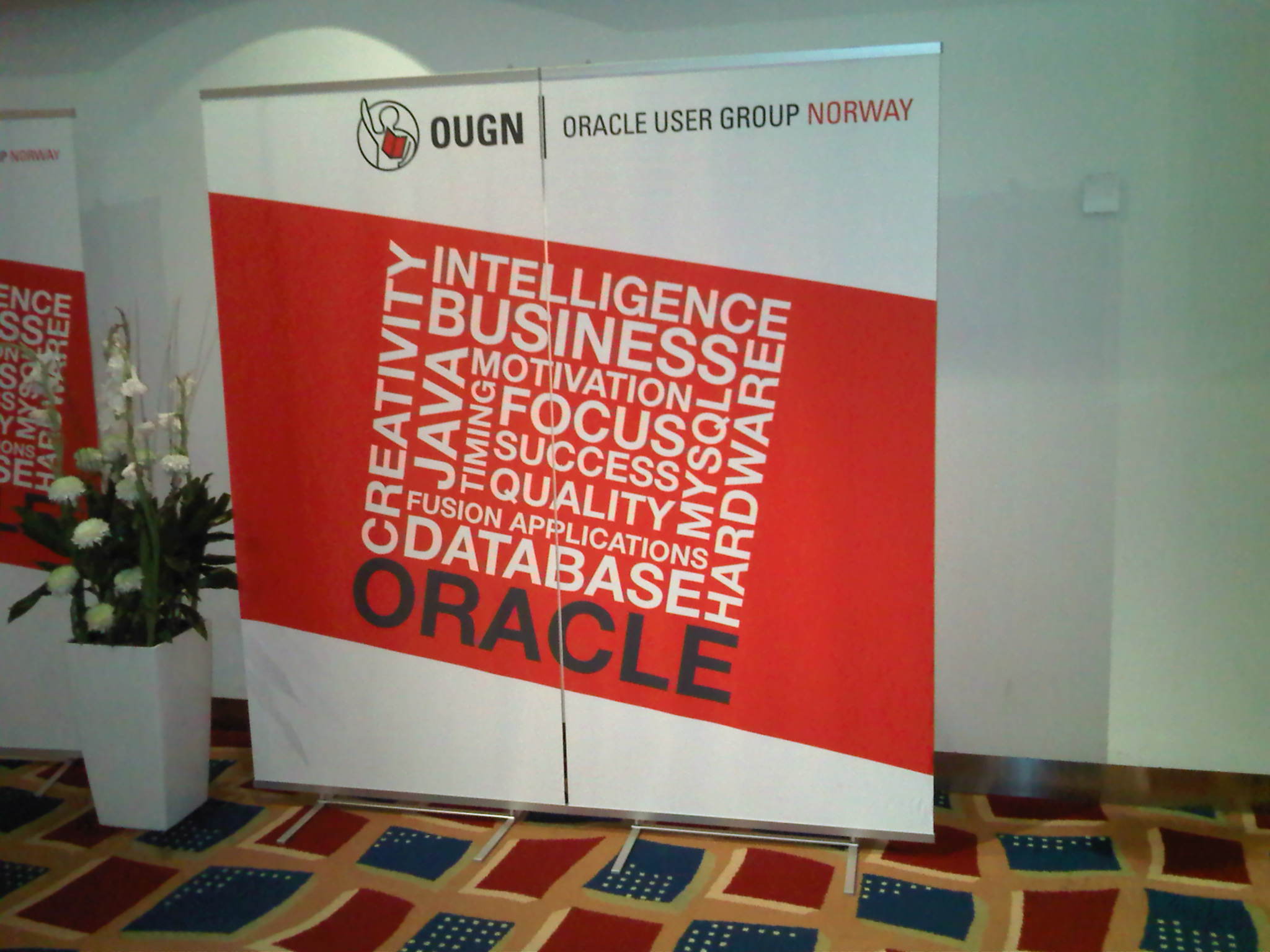
The first presentation I attended was done by Pete Finnigan: „We must secure Data not Software“.
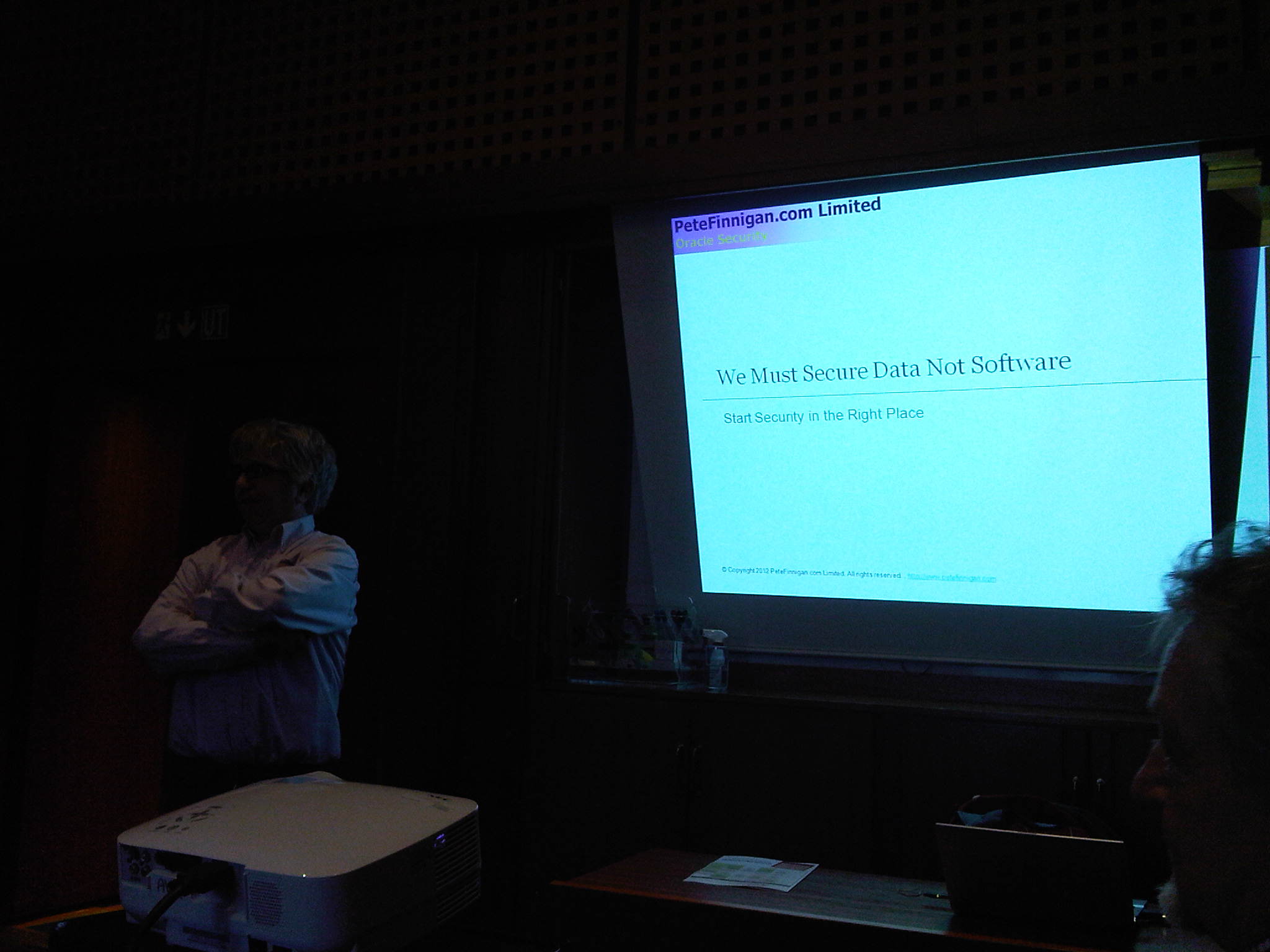
He said that the state of affairs regarding security has only slightly improved during the last decade. According to Pete, Press and Blogs focus too much on hacking (e.g. SQL Injection) while the main security thread is company staff that has (too much and too high) privileges. His main advice: „Stop people connecting to the Database!“ Directly, that means, instead via an application server. Also our focus as DBAs is too narrow on hardening the Database instead of implementing Security Policies. So while hardening is valuable, it is not enough and will not protect the sensitive data from being accessed by internal staff.
Next I attended Maria Colgan with the topic „Upgrading to 11g without pain“:
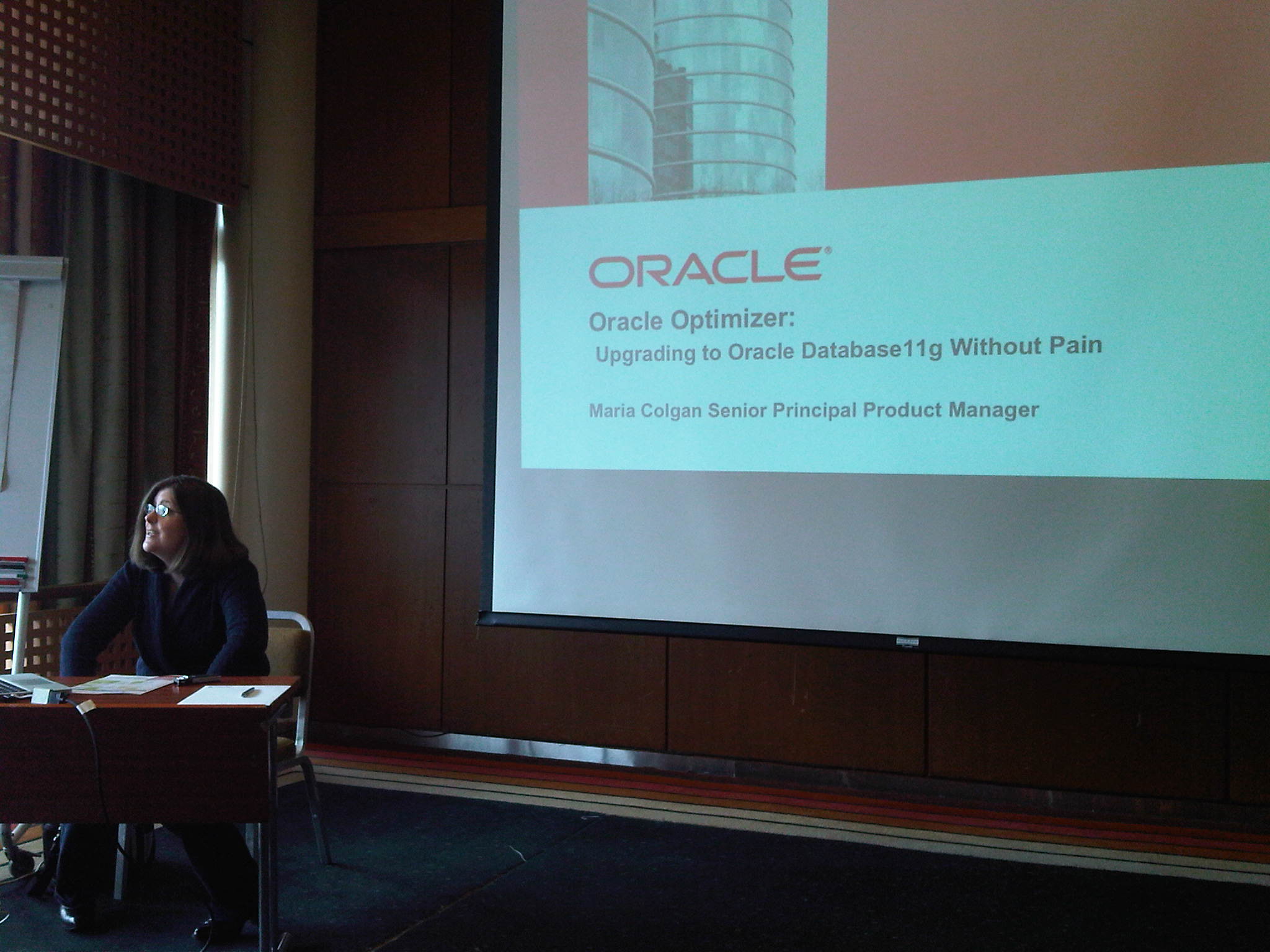 It was mainly about SQL Plan Management, so not much new information for me here – but that was of course not Maria’s fault 🙂 Some key points for me were:
- The behavior behind the parameter OPTIMIZER_FEATURES_ENABLE has very much improved in 11g compared to 10g, because Oracle Development hast put much effort into it. Consequently, when set to 10g, it will really produce the 10g execution plans although you run an 11g DB.
- After an upgrade to 11g, valid hints will still be followed – but chances are that the rest of the hinted statement will be executed different in 11g. In other words: Hints alone don’t produce Plan Stability unless you hint each and every aspect – but who does that?
- Run 11g on a test system with your production statements (captured with SQL Tuning Sets, e.g.) with the parameter _OPTIMIZER_IGNORE_HINTS=true and try to remove as many hints as possible from production, because often performance will improve.
- After an upgrade to 11g, run with the 10g optimizer statistics first (a week, e.g.) before you collect new statistics.
- Use pending statistics first to be on the safe side.
Next session was again with Pete about „Using Oracle VPD in the real world“. To my surprise, he did not focus on VPD implementation, but about how to secure VPD itself. That was a new aspect of that topic for me. According to Pete, VPD is not widely used (although free of charge), which is a pity, because it is a very good feature. Some key points I took here:
- Revoke alter session/system privileges from users in order to prevent them setting the events 10730 and 10060 that would reveal the VPD predicates
- VPD policies and function should be created in different schemas (not the application user schema), to hide their content from views like ALL_POLICIES that would otherwise be exposed to the application user.
- Think about all the location of sensitive data: Not only tables but also Backups, Datafiles, export dumps, Block dumps etc.
- VPD will not necessarily decrease performance: According to Pete the performance even improves in many cases because less data is pulled because of the VPD predicate
I went on with the presentation of Martin Widlake, who talked about Index Organized Tables:
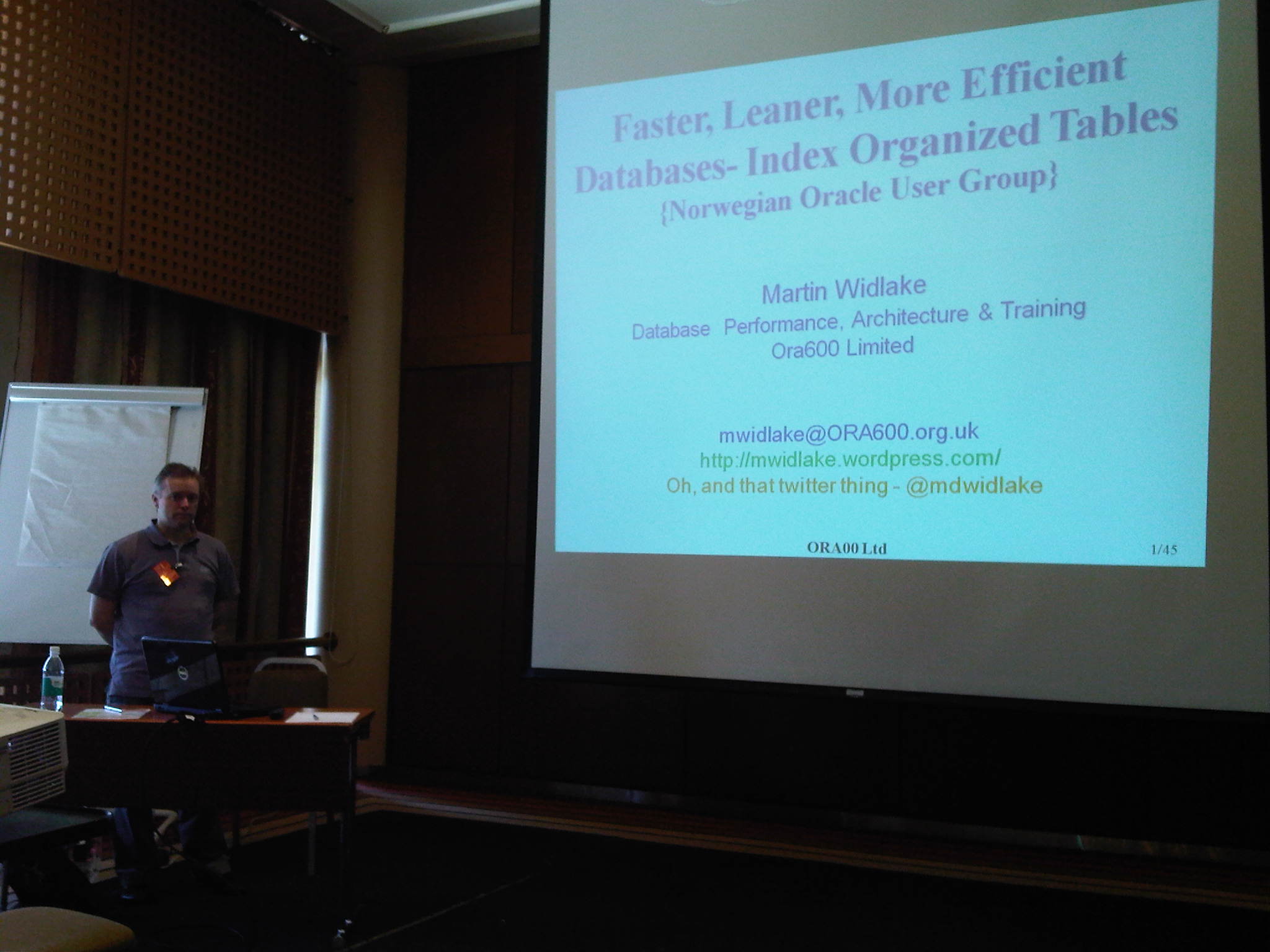 According to Martin, IOTs are heavily underutilized, and he reported real world implementations that saw up to 20 times faster speed with IOTs. Some key points:
- IOT access compares especially favorably to Index Range Scans regarding the number of Block visits.
- IOTs have the potential to make much more efficient use of the Database Buffer Cache, because we avoid to clutter it with ‚Collateral Data‘
- It is not fair to compare insert performance of IOTs to Heap tables without a Primary Key
Overall, it was a great start of the event for me. Looking forward to the next days 🙂
The Worldwide Oracle Instructor
I just discovered the new Statistics Page in WordPress that breaks down the hits on the Countries. That’s really amazing! Look at my global reach of the last 7 days (*Hubris on*):
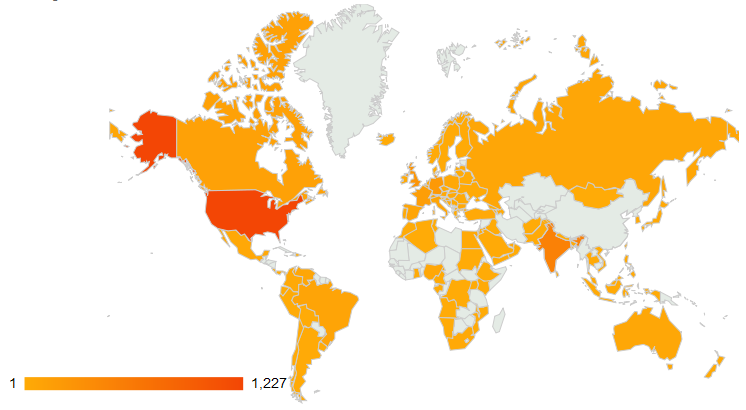
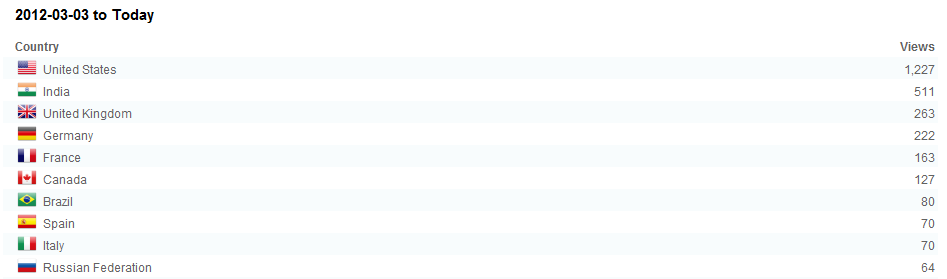 I limited the list above to the top 10 Countries, but there have been many more. Thank you, world! I hope to color the gray spots also over time 🙂
Oracle Database whoami
Just a little script that I use in my courses to see who I am 🙂
C:\Users\uhesse>sqlplus sys/oracle@10.555.99.123/PROD1.us.oracle.com as sysdba

SQL*Plus: Release 11.2.0.3.0 Production on Thu Mar 1 10:38:29 2012

Copyright (c) 1982, 2011, Oracle.  All rights reserved.


Connected to:
Oracle Database 11g Enterprise Edition Release 11.2.0.1.0 - 64bit Production
With the Partitioning, Oracle Label Security, OLAP, Data Mining
and Real Application Testing options

SQL> @whoami
USER: SYS
SESSION ID: 140
CURRENT_SCHEMA: SYS
INSTANCE NAME: PROD1
DATABASE ROLE: PRIMARY
OS USER: uhesse
CLIENT IP ADDRESS: 10.555.99.12
SERVER HOSTNAME: edd2r6p0
CLIENT HOSTNAME: de-ORACLE\UHESSE-DE

PL/SQL procedure successfully completed.
That’s nice, isn’t it? whoami.sql looks like this:
SQL> host type whoami.sql
set serveroutput on
begin
dbms_output.put_line('USER: '||sys_context('userenv','session_user'));
dbms_output.put_line('SESSION ID: '||sys_context('userenv','sid'));
dbms_output.put_line('CURRENT_SCHEMA: '||sys_context('userenv','current_schema'));
dbms_output.put_line('INSTANCE NAME: '||sys_context('userenv','instance_name'));
dbms_output.put_line('DATABASE ROLE: '||sys_context('userenv','database_role'));
dbms_output.put_line('OS USER: '||sys_context('userenv','os_user'));
dbms_output.put_line('CLIENT IP ADDRESS: '||sys_context('userenv','ip_address'));
dbms_output.put_line('SERVER HOSTNAME: '||sys_context('userenv','server_host'));
dbms_output.put_line('CLIENT HOSTNAME: '||sys_context('userenv','host'));
end;
/
I use it especially in Data Guard courses where I connect to the Read-Only opened Standby, sometimes switch the current_schema and demo Transparent Application Failover. It is especially not necessary to grant users SELECT_CATALOG_ROLE in order to enable them to read v$instance so that they can spot their session got failed over to another instance, for example:
SQL> grant create session to fritz identified by fritz;

Grant succeeded.

SQL> connect fritz/fritz@10.555.99.123/PROD1.us.oracle.com
Connected.
SQL> select * from v$version;

BANNER
--------------------------------------------------------------------------------
Oracle Database 11g Enterprise Edition Release 11.2.0.1.0 - 64bit Production
PL/SQL Release 11.2.0.1.0 - Production
CORE    11.2.0.1.0      Production
TNS for Linux: Version 11.2.0.1.0 - Production
NLSRTL Version 11.2.0.1.0 - Production

SQL> select * from v$instance;
select * from v$instance
              *
ERROR at line 1:
ORA-00942: table or view does not exist


SQL> @whoami
USER: FRITZ
SESSION ID: 140
CURRENT_SCHEMA: FRITZ
INSTANCE NAME: PROD1
DATABASE ROLE: PRIMARY
OS USER: uhesse
CLIENT IP ADDRESS: 10.555.99.12
SERVER HOSTNAME: edd2r6p0
CLIENT HOSTNAME: de-ORACLE\UHESSE-DE

PL/SQL procedure successfully completed.
I masked the IP addresses that have been used for the EZconnect and that have been displayed by whoami.sql. Hope you find it useful 🙂
-
Du durchsuchst derzeit die Archive der Kategorie TOI.
Pickleball spielen auf YouTube


 Pickleball spielen